Paying a Bulk Credit with a Bank Account
Groups or schools occasionally may ask to make a bulk payment with a bank account instead of sending a check.
They will not be charged any additional fees. The GroupCollect fee of 1.8% will be deducted in the payout for the bulk credit amount.
Making the Bulk Credit Payment
These are the steps you as the administrator or the trip leader themselves must go through to make a bulk credit payment with a bank account.
The trip leader will need to login to their account and click the Bulk Credits section under Manage Trip.


Then, click on New Bulk Credit to get the process started.
Type in the name of your bulk credit and the total amount of funds needed to apply to the passenger/passengers, then click Save.

Next, find each passenger that you'll need to apply funds to. Type in the correct amount in the allocated box. Then click Submit.

Once submitted, the system will ask the trip leader if they'd like to pay the credit by card, bank/ACH or manually, click pay by bank/ACH. They may also add an additional note about the bulk credit in this section. Press Continue once you're done.
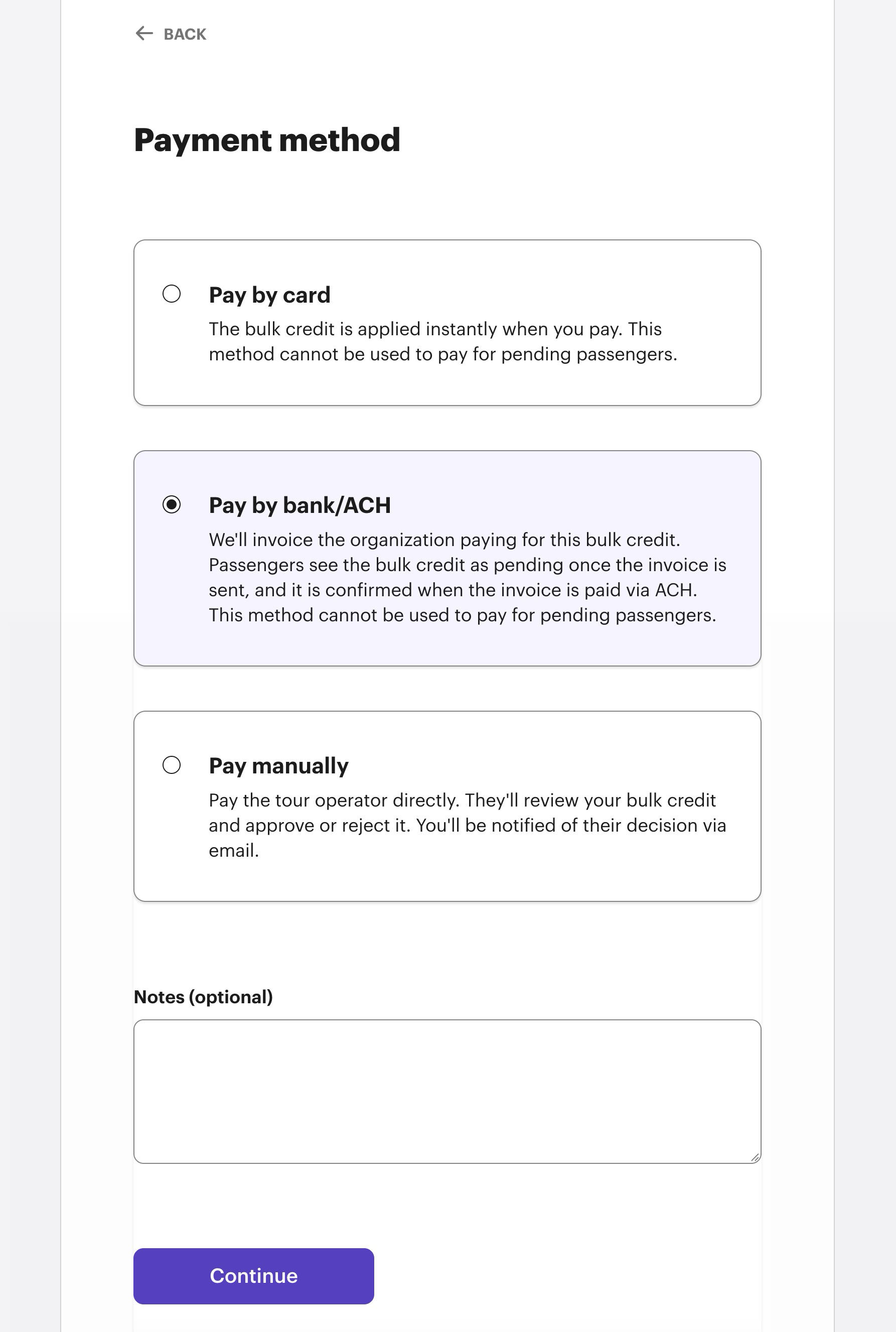
Next the system is going to ask who to send the invoice for payment to.
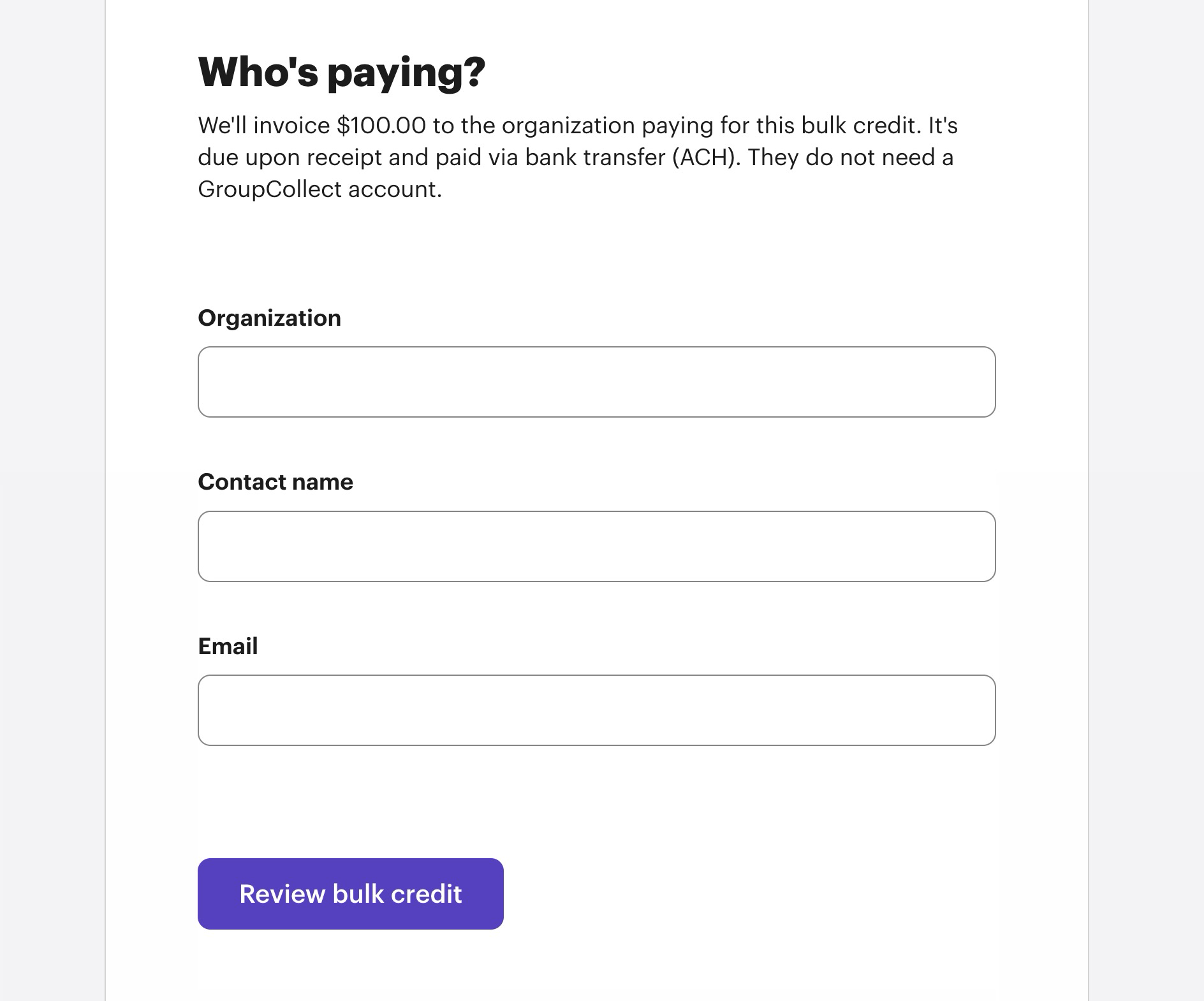
Enter the organization, contact name and email of who will receive an invoice with a one time link to add a bank account. Then click Review bulk credit.
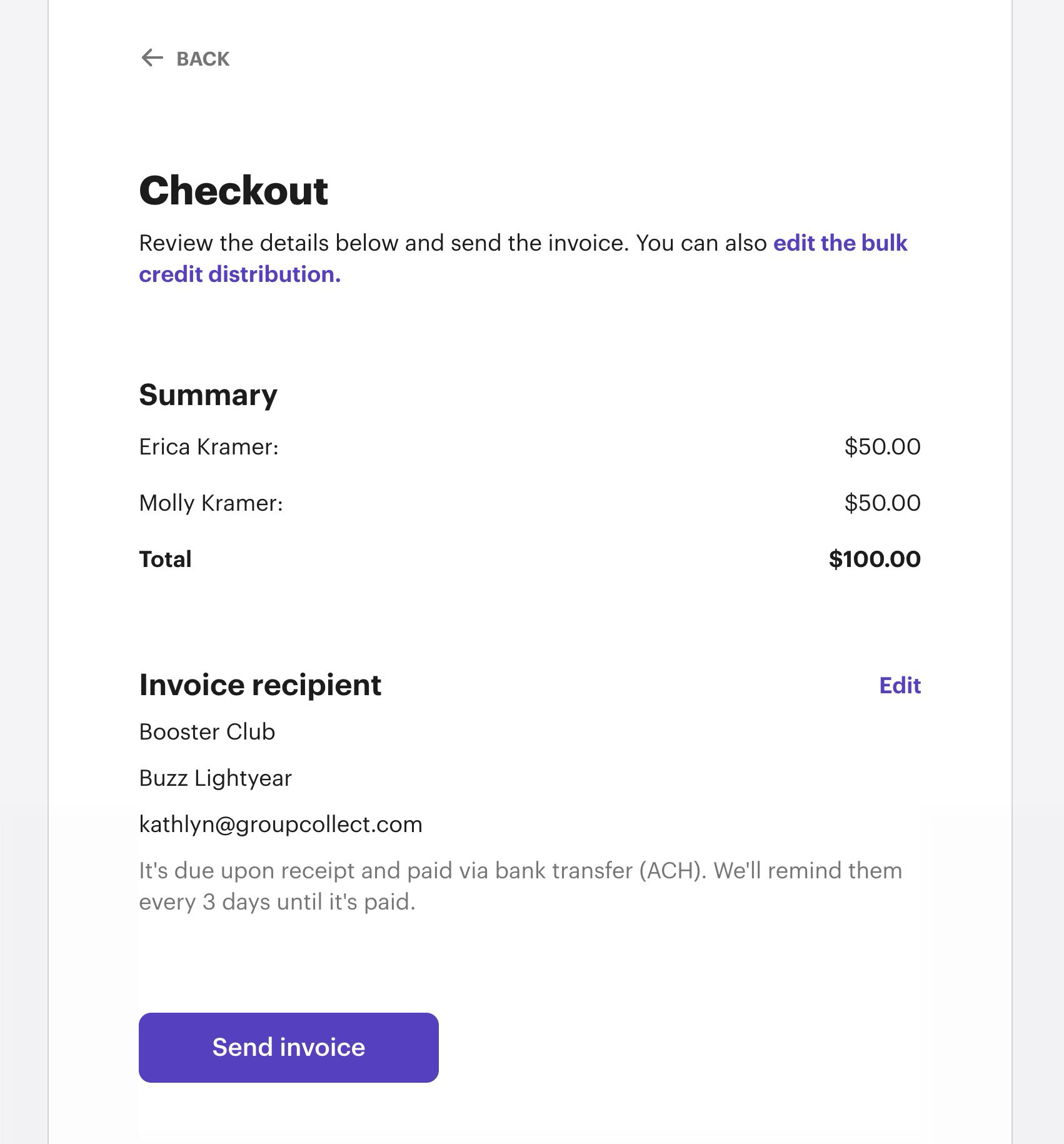
You will be able to review the information before sending the invoice for payment. If everything looks good click Send Invoice.
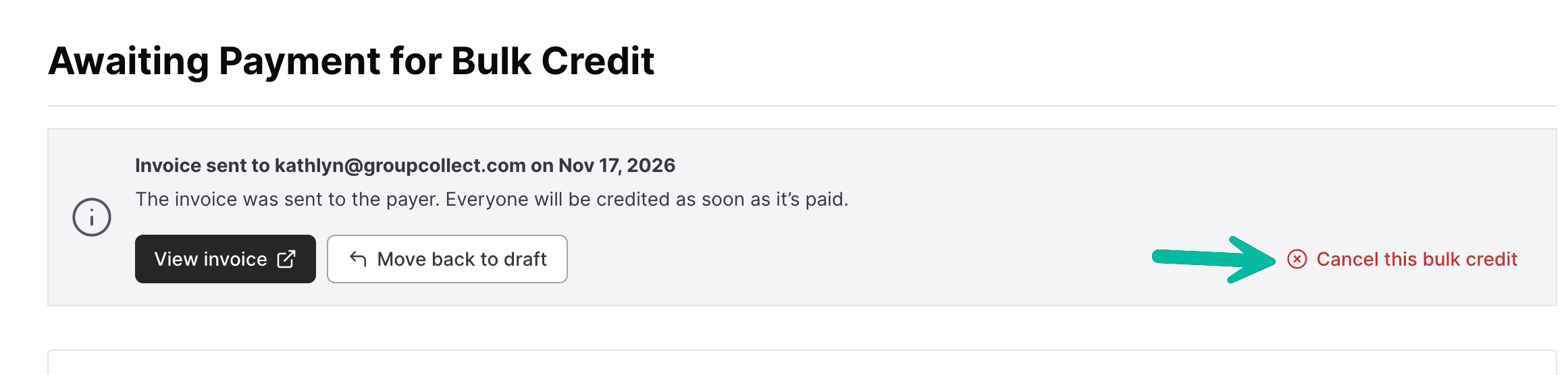
You will return to a page that shows the bulk credit waiting to be paid.
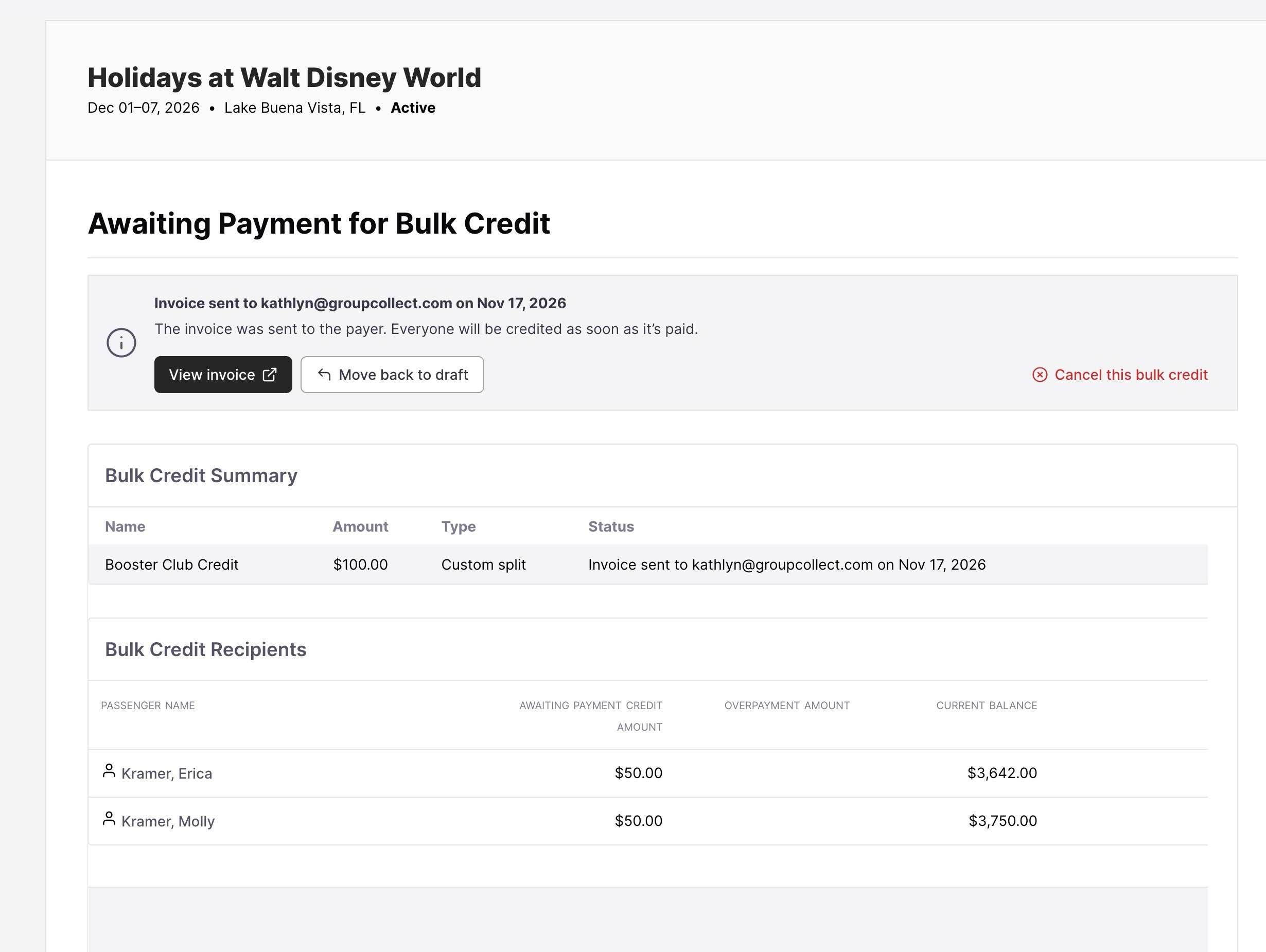
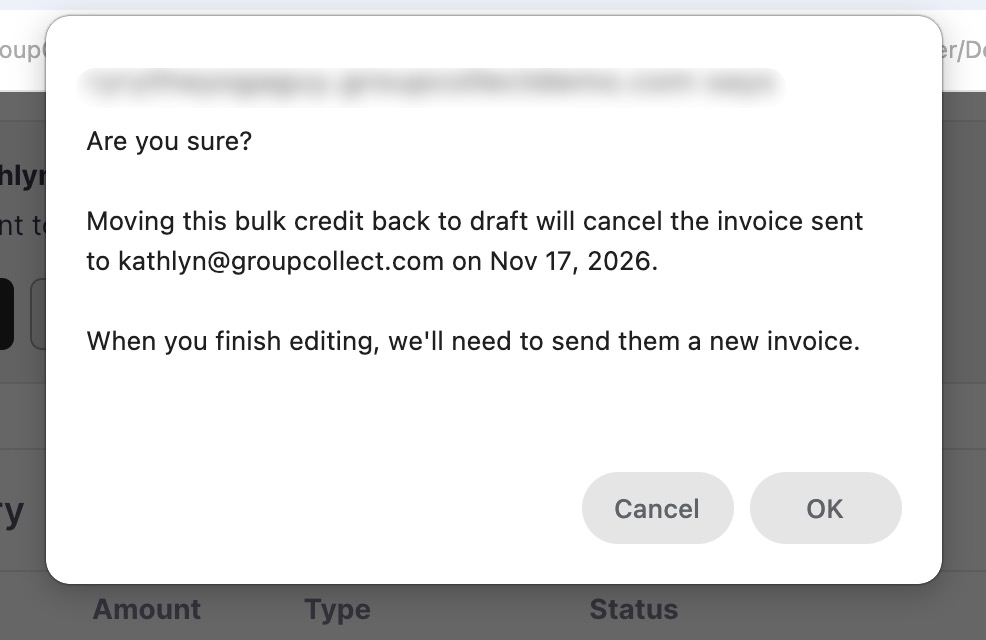
If you need to make edits to the bulk credit before it is paid you have the option to move back to draft. This will void the initial invoice and once the edits have been made you will be asked to send a new invoice.
You can also cancel the bulk credit completely.
The email recipient will receive an email that includes the invoice and asks for payment.
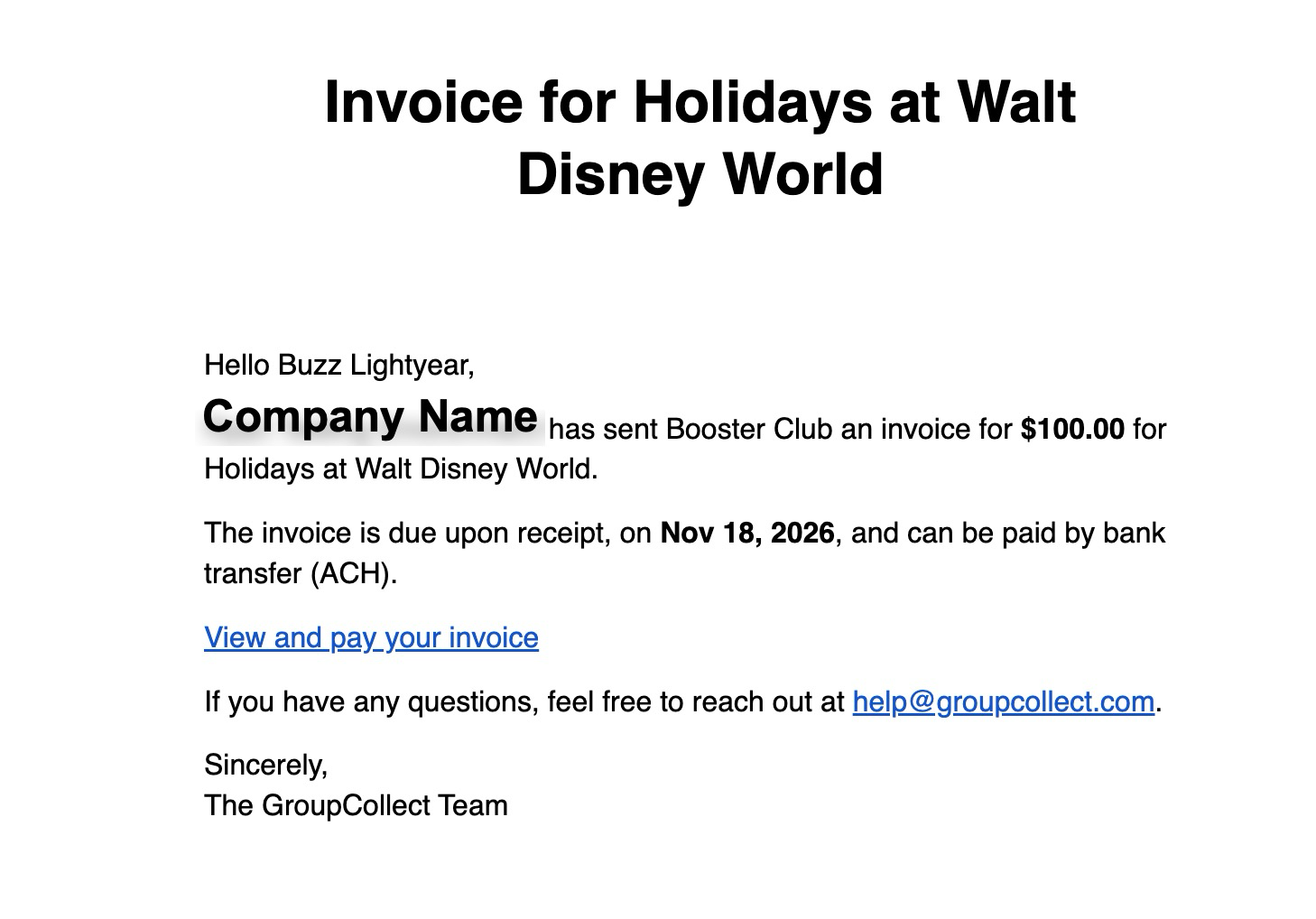
Click on view and pay your invoice.
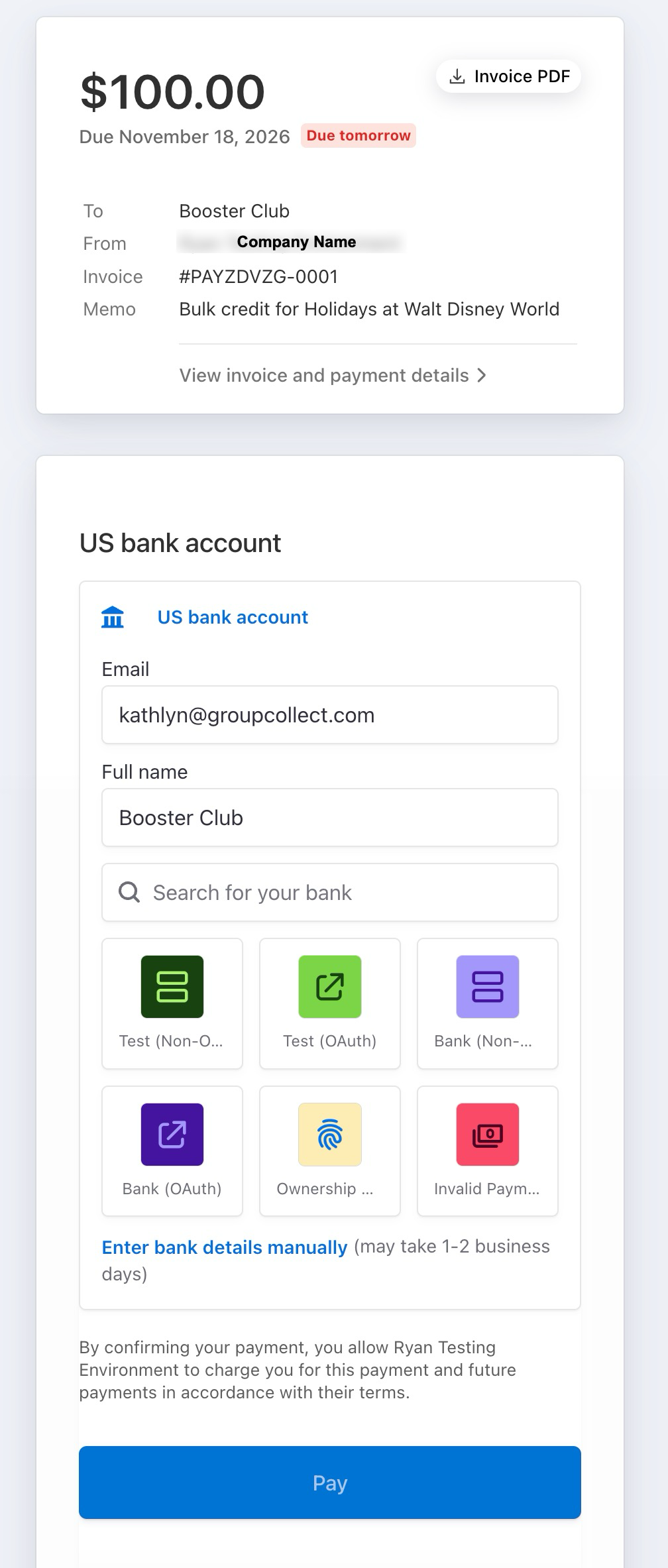
A PDF invoice is available to print.
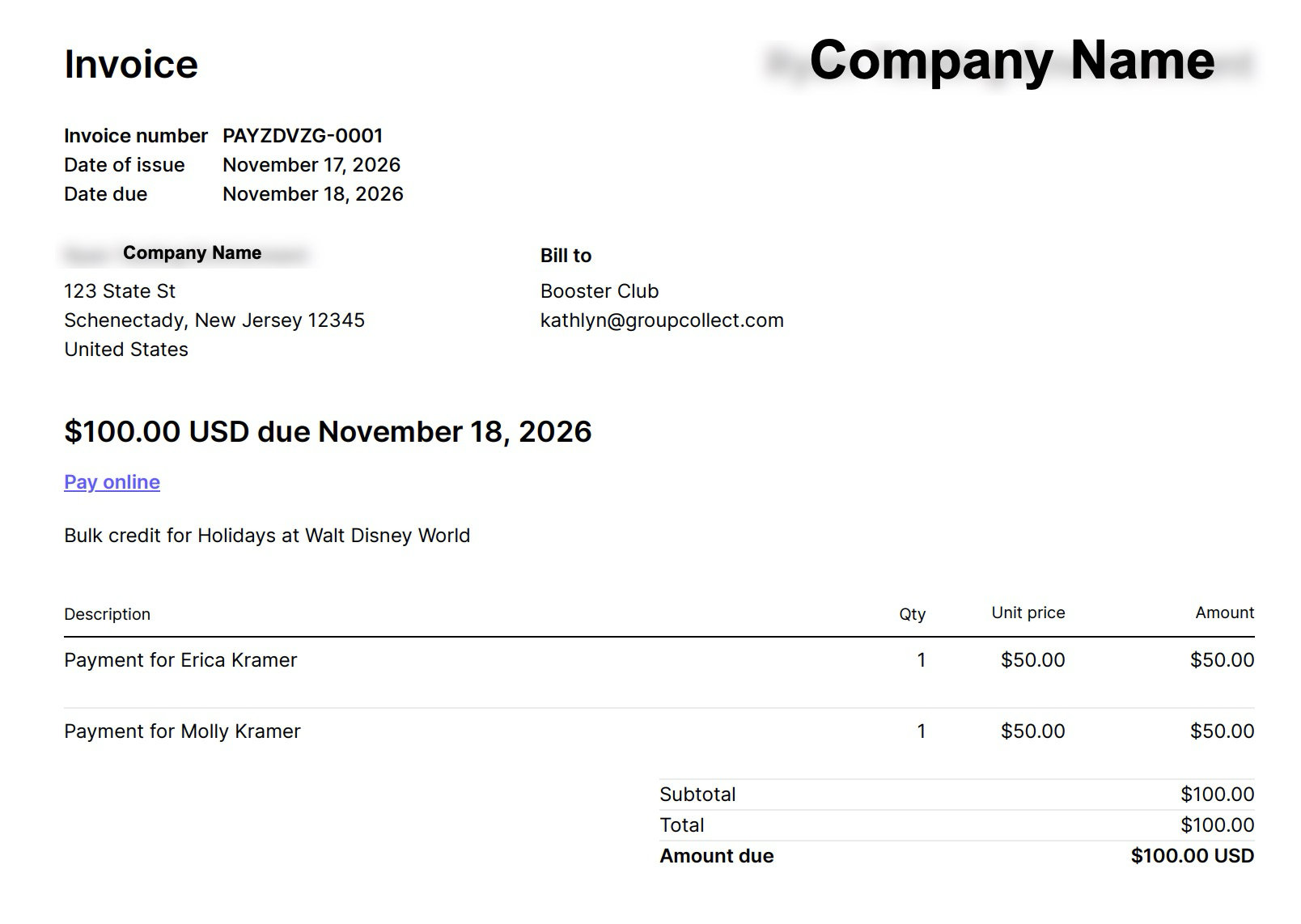
At the bottom of the electronic invoice you will see the option to link a bank account.
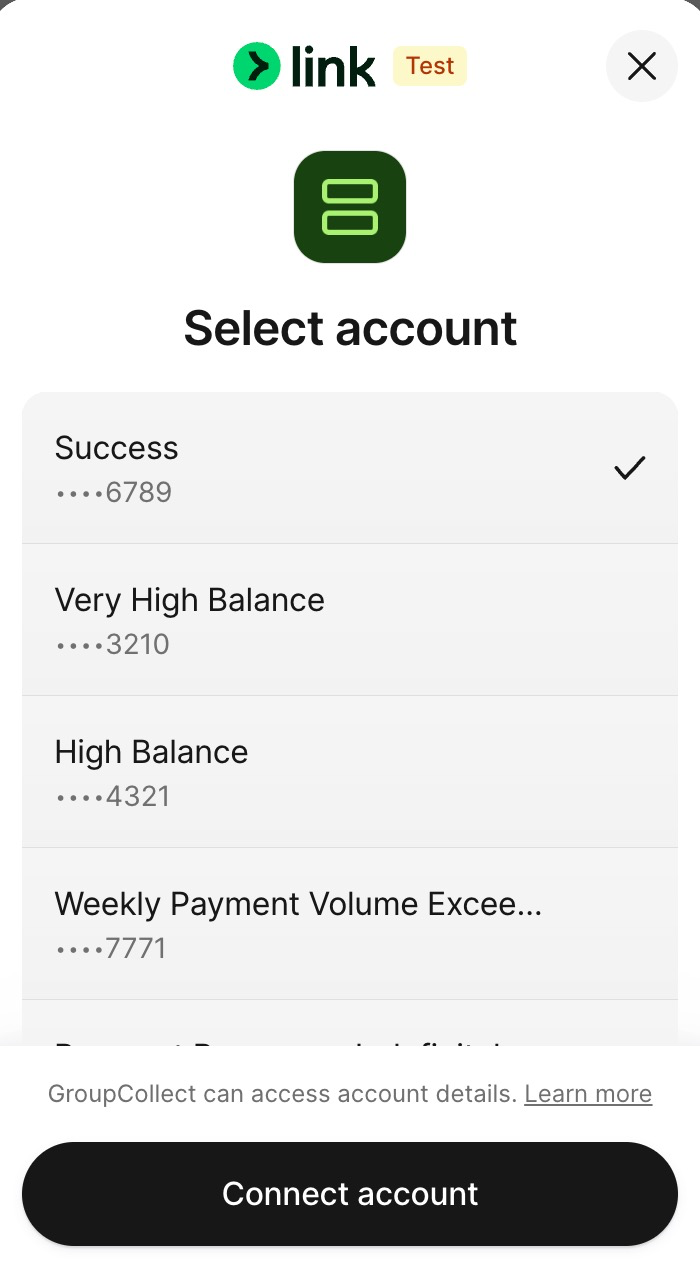
Once your account has been added, click on pay.
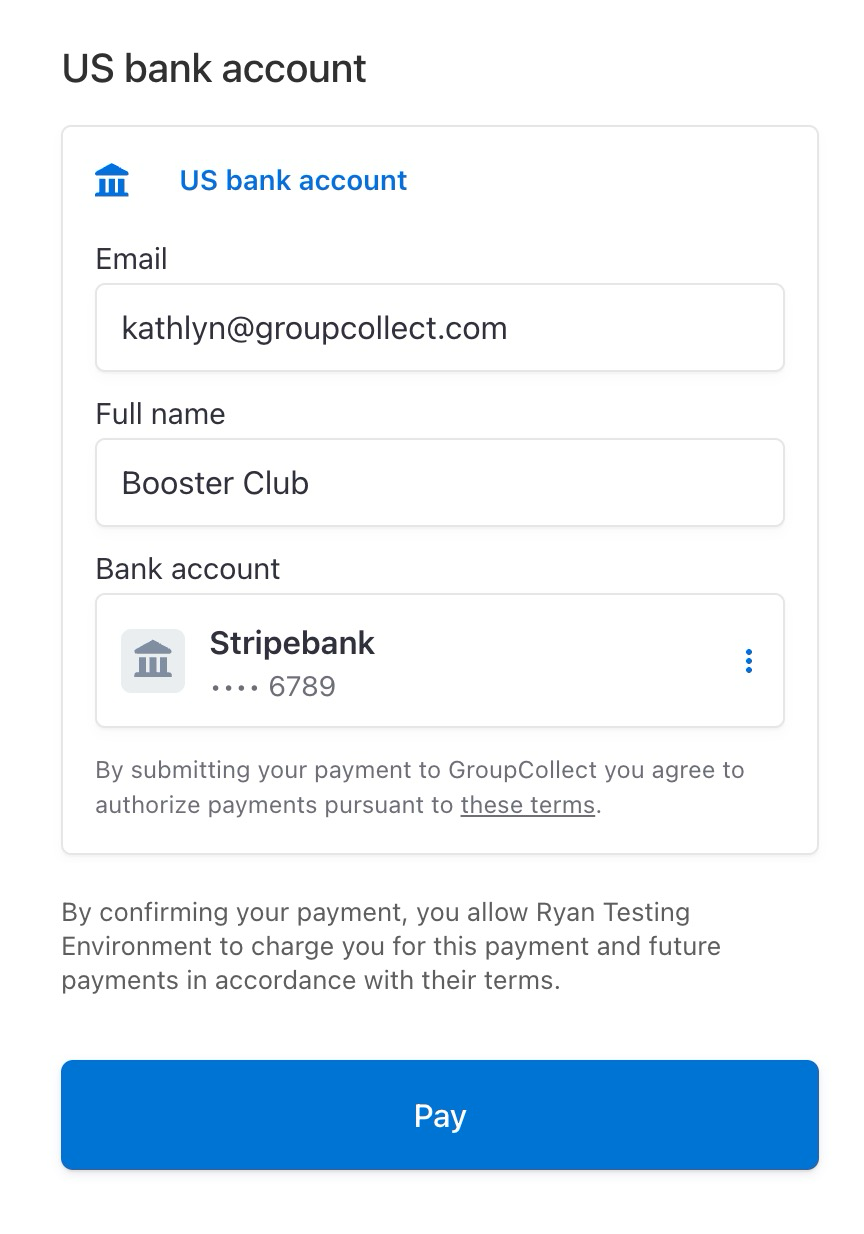
The bulk credit is now processing.

The trip leader and the tour operator will receive an email notification when the payment is fully processed and the funds will be applied to the passenger's accounts.

Then you're done!
If you have any additional questions in the meantime, please feel free to reach out to help@groupcollect.com


